Surfshark Alternative ID Review: A Dedicated Email Alias for Privacy
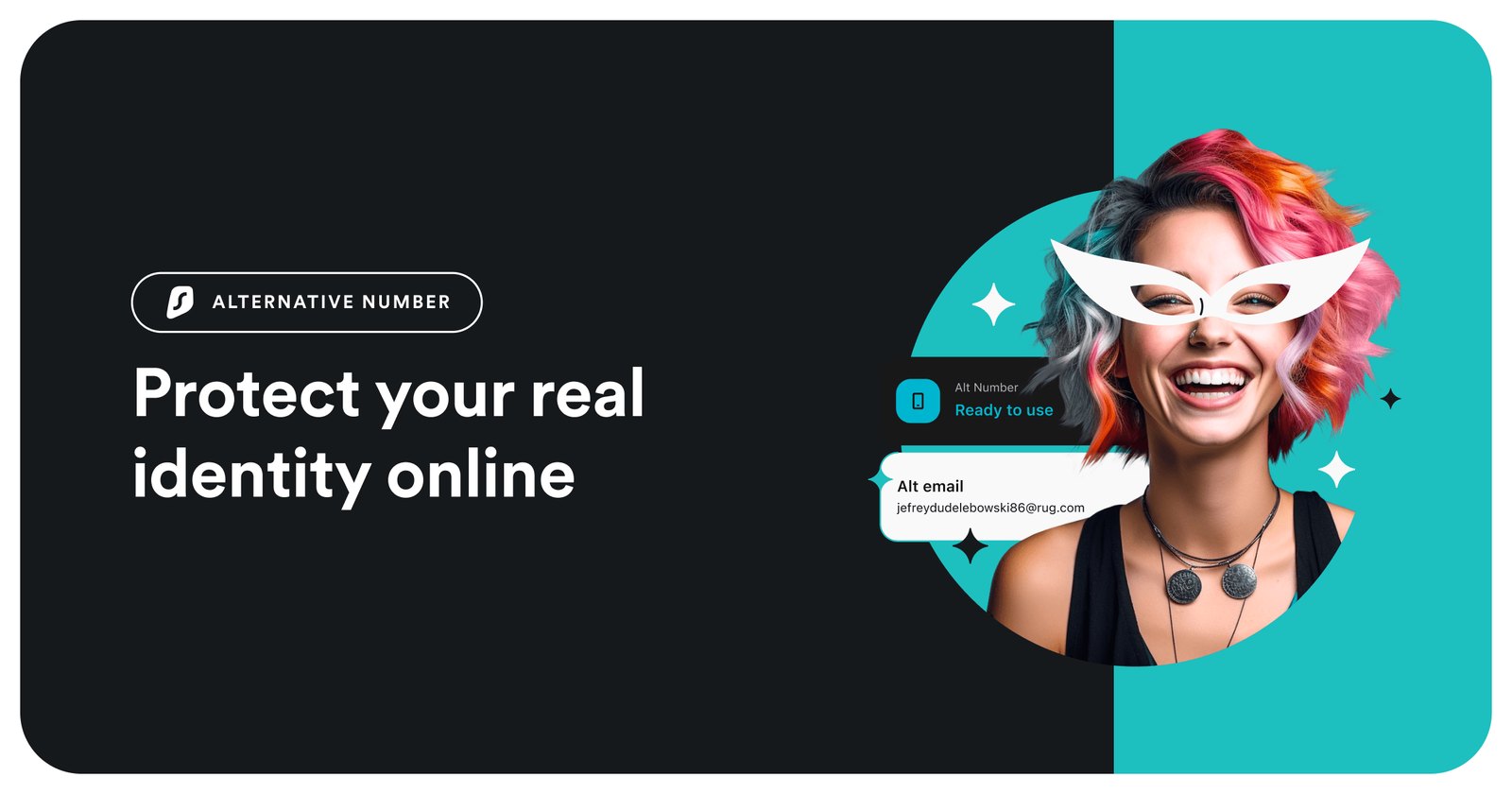
You already know that data brokers and marketing lists are quietly building a shadow profile of your online activity. The Surfshark Alternative ID exists to break that chain by giving you a clean, dedicated email address that forwards to your real inbox while keeping your actual address hidden from sign-up forms. It is not a full identity-theft insurance policy, but it is a practical, low-friction tool for anyone tired of typing their primary email into every new service. Think of it as a second, disposable front door for your digital correspondence.
| Best for | Users who want a simple, single email alias to reduce spam and protect their primary inbox from data-broker exposure. |
| Skip if | You need a full suite of credit monitoring, identity-theft insurance, or multi-address management for a business team. |
| One line | A straightforward email aliasing tool from Surfshark that helps you keep your real email address out of the public eye. |
Swipe sideways to compare →
What the Official Page Lists
The official Surfshark Alternative ID page positions this product as a focused privacy tool rather than a broad security bundle. Here are the verifiable facts from the destination page:
- Product Type: Email aliasing / Identity protection add-on.
- Money-Back Guarantee: Surfshark offers a 30-day money-back window for its security bundles, which applies if you are not satisfied with the service.
- Related Tools: The page notes that CleanWeb 2.0 is available on Chrome, Firefox, and Edge extensions and the Surfshark app, suggesting a broader ecosystem of privacy tools.
- Pricing Model: The page confirms that Surfshark security bundles are not free, but the 30-day guarantee allows you to test the service risk-free.
Note: Specific pricing and the exact number of aliases included can vary by plan and region. Verify the current subscription cost and alias limits on the Surfshark website before purchasing, as promotional rates (like the altiddeal coupon) may change.
What reviewers say
Reviews from YouTube say this about the Surfshark Alternative ID.
YouTube One reviewer summarized the value proposition by stating, "To sum everything up, Surf Shark offers the best VPN for identity protection, and their alternative ID package provides you with a powerful privacy trio." This aligns with the product's core job: it is not just an email alias, but part of a layered approach to keeping your digital footprint contained. Another creator highlighted the utility for inbox management, noting, "If you want this level of control over your inbox, click the link in the description for the best Surf Shark alternative ID deal." That sentiment captures the practical appeal for anyone overwhelmed by promotional emails and data-hungry sign-up forms. Check the official listing before you buy.
Who it's for
If you are looking for a way to compartmentalize your online identity without the complexity of setting up a separate email provider, the Surfshark Alternative ID is a strong fit. It is particularly useful for:
- Privacy-conscious consumers who want to prevent their primary email from being sold to data brokers.
- Frequent online shoppers who want to keep purchase confirmations and marketing emails separate from their personal inbox.
- Users already in the Surfshark ecosystem who want to add an email aliasing layer to their existing VPN or security bundle.
Who should skip
This tool is intentionally simple, which means it may not be enough for everyone. You might want to look elsewhere if:
- You need business-grade email management: If you require custom domains, multiple user aliases, or team-based routing, a dedicated business email service is more appropriate.
- You want full identity insurance: If your primary concern is credit monitoring, dark web scanning, or financial recovery services, consider a dedicated identity protection service rather than just an email alias.
- You prefer open-source or self-hosted solutions: If you want full control over your email infrastructure without relying on a third-party SaaS provider, this managed service may feel too restrictive. See options
Mid-check
If the criteria above already match how you actually use the space, stop here and check current options before you keep reading comparison noise. Confirm details on the current product page.
How to choose in five minutes
- Check your current bundle: If you already have a Surfshark VPN or Starter plan, see if the Alternative ID is included or available as an add-on. This is often the most cost-effective path.
- Verify the 30-day guarantee: Confirm that the current offer includes the 30-day money-back guarantee. This is your safety net to test if the aliasing workflow fits your routine. See options
- Assess your email volume: If you receive more than 50 promotional emails a week, the time saved by filtering them to a separate alias is significant. If you rarely sign up for new services, the value proposition is lower. See options
- Compare with your needs: If you only need one or two aliases for personal use, this is ideal. If you need dozens, look at the plan limits on the Surfshark pricing page.
FAQ
Does Surfshark Alternative ID hide my real email address completely? Yes, when you use the alias to sign up for a service, that service only sees the alias. Your real email address is not exposed to the vendor. Surfshark forwards the messages to your actual inbox, so you never miss important communications.
Is the Alternative ID included in the Surfshark VPN plan? The inclusion of the Alternative ID varies by plan and region. Some bundles include it, while others offer it as an add-on. Check the specific details on the Surfshark Alternative ID page to see what is included in your current or prospective plan.
Can I use the alias for multiple services? Yes, the alias is designed to be used across multiple websites and services. This allows you to keep your primary email private while still receiving all the notifications you need. Check the official listing before you buy.
What if I want to cancel after the trial? Surfshark offers a 30-day money-back guarantee. If you are not satisfied with the service within that window, you can request a refund. Make sure to review the current terms on the brand's site, as policies can be updated.
Bottom line
The Surfshark Alternative ID is a practical, no-fuss tool for anyone who wants to take a simple step toward protecting their digital identity. It doesn't replace a full security suite, but it fills a specific gap: keeping your primary email address out of the hands of data brokers and marketing lists. With a 30-day money-back guarantee, the risk of trying it is low. If you are already using Surfshark for VPN or other security needs, adding this alias is a logical next step in compartmentalizing your online presence.
Sources
- YouTube — https://www.youtube.com/watch?v=aqkGrwLhlPQ&t=285s
- YouTube — https://www.youtube.com/watch?v=y-1xoI4WV3o&t=218s
Related Guides