TP-Link USA S505D: The Matter-First Smart Dimmer That Actually Works Without a Hub
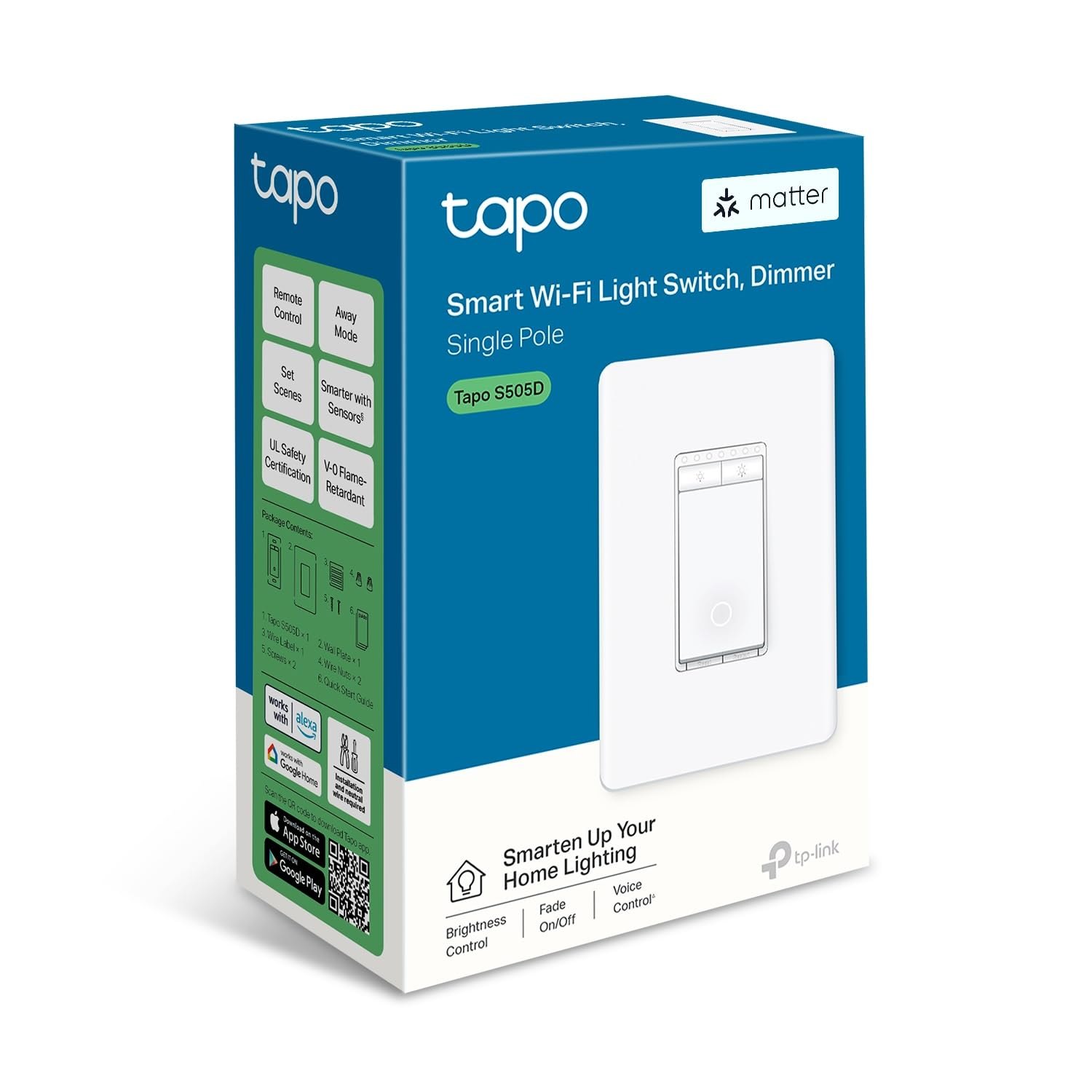
You do not need a $50 hub to make your living room lights respond to Siri, Alexa, or Google. The TP-Link USA S505D is a smart dimmer switch that speaks Matter natively, meaning it connects directly to your existing smart home ecosystem over Wi-Fi without requiring a separate bridge. If you have been stuck with legacy Zigbee switches that only talk to one specific hub, or if you are tired of juggling multiple apps for different brands, this device simplifies the stack. It replaces your existing wall switch, works with standard incandescent and LED bulbs, and gives you a physical, tactile way to adjust brightness right on the switch itself.
Quick Answer
| Best for | Homeowners who want a Matter-compatible dimmer that works with Apple Home, Alexa, and Google Home without buying a separate hub. |
| Skip if | You have a neutral wire-less switch box (this requires a neutral) or you are looking for a plug-in smart dimmer rather than a wall-mounted one. |
| One line | A hub-free, Matter-native wall dimmer that lets you control standard LED and incandescent lights via app, voice, or the physical switch. |
Swipe sideways to compare →
What actually changes the buy is fit, what you should skip, and which tradeoffs show up after week one — not a longer spec sheet. If you already know the job, see current options while you read the criteria.
What the Official Page Actually Lists
The official TP-Link store page provides specific technical constraints that determine if this switch will fit your home. Because smart dimmers rely on electrical load and wiring, these specs are critical.
| Feature | Detail |
|---|---|
| Protocol | Matter over Wi-Fi (802.11 b/g/n 2.4GHz) |
| Compatibility | Apple Home, Amazon Alexa, Google Home, SmartThings |
| Bulb Support | Incandescent, LED, CFL (Note: Verify specific CFL compatibility on the brand page, as some CFLs cause flickering) |
| Wiring Requirement | Requires a neutral wire |
| Physical Form | Wall-mounted switch (replaces existing dimmer/switch) |
| Control Methods | Tapo App, Voice Assistants, Physical Slider on Switch |
| Multi-Admin | Supports multiple administrators for shared control |
| Shipping | Free shipping mentioned on official site (confirm regions) |
Swipe sideways to compare →
Note: The official research file for this specific SKU did not list a specific maximum wattage load (e.g., 150W incandescent / 100W LED). You must verify the exact load capacity for your specific bulb type on the TP-Link product page before installation to avoid tripping the breaker or damaging the switch.
What reviewers say
Reviews from YouTube say this about the TP-Link USA S505D.
On YouTube, a reviewer covering the Tapo S505 series highlights the seamless integration, noting that the switch handles "Matter, HomeKit, and Voice Control" effectively. This confirms that the native Matter support works as advertised, allowing the switch to appear instantly in your Apple Home or Google Home app without the usual pairing headaches. Another video specifically praises the "multi-admin capability," stating it is an "impressive feature." This is a significant quality-of-life upgrade for households where multiple family members need independent access to the same light zones without one person having to share their login credentials. A third review covering the broader TP-Link smart switch ecosystem (including the Kasa line) emphasizes the straightforward "Install, Setup, & Review" process, suggesting that the TP-Link ecosystem remains one of the most beginner-friendly options for smart home lighting.
Who it's for
The TP-Link USA S505D is designed for homeowners who are already invested in the Matter standard or are looking to consolidate their smart home apps. It is particularly useful for people who want to keep the physical switch on the wall as a primary control method rather than relying solely on a phone. If you have a mix of Apple and Google devices in your house, this switch bridges that gap without requiring a third-party bridge. You can see current options for the S505D to check availability in your region.
- Matter adopters: If you are building a new smart home from scratch using Matter devices, this switch ensures your lighting is part of that unified ecosystem from day one.
- Multi-device households: Families with both iPhone and Android users will appreciate that the switch works natively with both Apple Home and Google Home via the Tapo app.
- Physical control preference: Users who dislike turning lights on via a voice assistant or app will find the tactile slider on the S505D reassuring and familiar. See options
Who should skip
This is not the right device for every electrical setup. If your home has older wiring that lacks a neutral wire, you cannot use this switch. Many smart dimmers for neutral-wire-less setups exist, but they are different products. Additionally, if you are looking for a plug-in dimmer for floor lamps or table lamps, this wall-mounted unit is the wrong form factor. You can check the wiring requirements to ensure your home is compatible before purchasing.
- No-neutral wiring homes: If your switch box only has two wires (hot and load) and no neutral, this S505D will not work. You need a different model designed for that specific electrical constraint.
- Plug-in users: If you want to dim a lamp that plugs into an outlet, you need a smart plug or a plug-in dimmer, not a wall switch.
- Complex automation only: If you require advanced scene triggering based on environmental sensors (like temperature or humidity) that aren't part of the Tapo ecosystem, you may find the native Matter features limited compared to a dedicated home automation hub. See options
Mid-check
If the criteria above already match how you actually use the space, stop here and check current options before you keep reading comparison noise. Confirm details on the current product page.
How to choose in five minutes
Before you buy, you need to verify three things to ensure the TP-Link USA S505D will actually work in your home.
- Check your wiring: Open the switch plate (with power off) and look for a white or gray wire connected to the switch box. This is the neutral. If you only see two wires going into the switch, stop. This product requires a neutral. See options
- Check your bulbs: The S505D works with standard incandescent and LED bulbs. If you have dimmable CFLs, verify compatibility on the official page, as some CFLs do not dim smoothly and may flicker. See options
- Check your ecosystem: Ensure you are using the Tapo app. While the device supports Matter, the initial setup and advanced configuration (like multi-admin) are handled through the Tapo app. If you are strictly a "no-app" user who only wants voice control, be aware that you will still need the app for the initial pairing. See options
You can review the official installation guide to see the step-by-step wiring diagram for your specific switch type.
FAQ
Does the TP-Link USA S505D require a hub? No. The S505D is a Matter-native device. It connects directly to your Wi-Fi network and then pairs with Apple Home, Google Home, or Amazon Alexa without needing a separate Zigbee or Z-Wave hub.
Can I use this with my existing dimmer switch? No, you must replace your existing switch. The S505D is a wall-mounted unit that takes the place of your current dimmer or light switch. It is not an add-on device. Confirm details on the current product page.
Does it work with non-dimmable LEDs? It is designed for dimmable bulbs. Using non-dimmable LEDs with a dimmer switch can cause flickering, buzzing, or premature bulb failure. Always use dimmable LEDs with the S505D. Check the official listing before you buy.
Is the TP-Link USA S505D compatible with SmartThings? Yes. The official specifications list SmartThings as a supported platform alongside Apple Home, Alexa, and Google Home.
What if I don't have a neutral wire? You cannot use this specific model. You would need to look for a TP-Link smart switch specifically labeled for "no neutral" applications, which is a different product line.
If the FAQ answered your main objections and you want current models or trial terms, see brand options.
Bottom Line
The TP-Link USA S505D is a practical, no-nonsense addition to any Matter-enabled smart home. It solves the common problem of needing a hub just to control basic lighting, while still offering the physical control many homeowners prefer. If you have a neutral wire and want to unify your lighting control under Matter, this is a reliable choice. You can view the current price and availability for the S505D to see if it fits your budget. For more on how to set up Matter devices, check out our guide on Matter smart home basics. If you are looking for other lighting options, see our smart lighting buying guide.
Sources
- YouTube — TP-Link Tapo S505 Smart Light Switch Review: Matter, HomeKit, and Voice Control Explained — https://www.youtube.com/watch?v=N9Xz8mn8lqQ
- YouTube — Another impressive feature of the Tapo S505 is its multi-admin capability — https://www.youtube.com/watch?v=q3Q4InMyJsY&t=74s
- YouTube — TPLink Kasa Smart WiFi Dimmer Switch (HS220) - Install, Setup, & Review — https://www.youtube.com/watch?v=hA5H_n7M4SU