CapCut AI Editor Review: Smart Online Video Editing for Creators
If you are trying to turn a raw phone clip into a scroll-stopping social post, the CapCut AI Editor handles the heavy lifting without asking you to learn a full non-linear editing suite. It sits squarely in the lane of fast, template-driven editing where AI features like background removal and auto-captions do the work that used to take an hour. You do not need a high-end workstation or a color grading certificate; you need a timeline, a few assets, and the confidence to hit export. This is the tool for the creator who wants the video to look polished and trendy by the time they hit "share," not the one who wants to key out every frame manually.
| Best for | Skip if | One line |
|---|---|---|
| Social media creators (TikTok, Reels, Shorts) who need fast, AI-assisted edits. | Professionals requiring heavy color grading, multi-cam synchronization, or local-only data processing. | A fast, AI-powered online editor that prioritizes speed and trend-ready templates over deep technical control. |
Swipe sideways to compare →
What the official page lists
The official destination for the CapCut AI Editor confirms it as an "All-In-One Video Editing Software" available via web, desktop (Windows), and mobile platforms. The product is positioned as a smart online video editor with advanced AI capabilities.
Because the official page focuses on feature access rather than static hardware specs, there are no fixed "load" or "material" specs to list. Instead, verify the following on the brand page before you start a major project: Confirm details on the current product page.
- Platform Availability: Confirm current support for your specific OS version (Windows, macOS, iOS, Android) and whether the web version supports all AI features.
- Subscription Tiers: Check which AI features (like specific background removal models or 4K export) are included in the free tier versus the Pro subscription.
- Asset Library: Verify access to the current library of templates, stickers, and audio tracks, as these update frequently. See options
What reviewers say
Reviews from YouTube and PCMag say this about the CapCut AI Editor.
On YouTube, one creator notes that "CapCut is great at making things look trendy with AI stickers and background removal," highlighting how the tool excels at visual flair rather than just technical correction. This aligns perfectly with the product’s job: it is built to make content look native to social feeds, using AI to handle the aesthetic heavy lifting so you can focus on the story. Another YouTube review simply urges viewers to "try it out at the best price available," suggesting a low barrier to entry for testing the workflow.
From a brand-level perspective, PCMag describes CapCut as an "exceptionally fast, simple, and AI-packed app for social media creators." This assessment reinforces the core value proposition of the CapCut AI Editor: it trades deep, complex control for speed and ease of use, making it a practical choice for high-volume content creation.
Who it's for
The CapCut AI Editor is designed for creators who value speed and visual polish over granular technical control.
- Social Media Managers: If you are producing daily Reels, TikToks, or YouTube Shorts, the template-driven workflow and auto-captioning features save significant time.
- Beginner Video Editors: If you are new to editing, the intuitive interface and AI-assisted tools lower the learning curve compared to professional desktop software.
- Marketers: If you need to quickly turn product footage or talking heads into branded content, the built-in assets and effects help maintain a consistent look. See options
Who should skip
This tool is not a replacement for a professional post-production suite if your workflow demands heavy technical manipulation. You can see current options.
- Film Editors: If you are cutting long-form narrative content with complex color grading, audio mixing, and multi-cam sync, you will outgrow this interface quickly.
- Privacy-Sensitive Professionals: If your work involves sensitive data that cannot be processed on cloud servers, the server-side nature of some AI features may be a dealbreaker.
- Power Users: If you require keyboard-centric workflows and deep customization of every effect parameter, the simplified UI may feel limiting. See options
Mid-check
If the criteria above already match how you actually use the space, stop here and check current options before you keep reading comparison noise. Confirm details on the current product page.
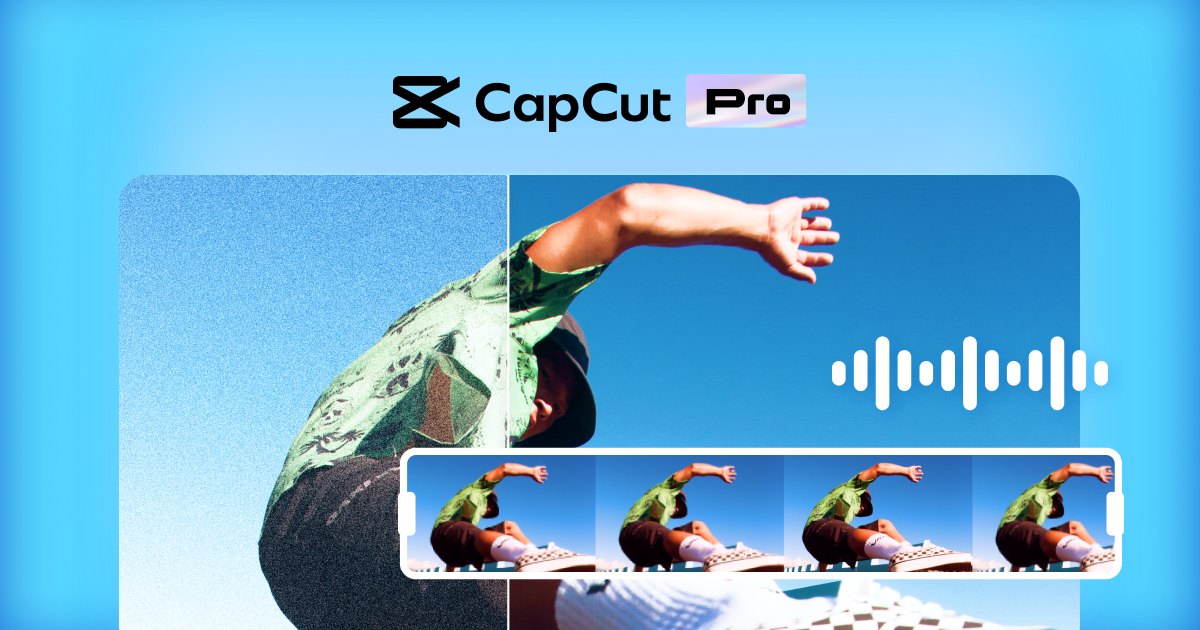
How to choose in five minutes
- Define your output: Are you making 9:16 vertical content for socials? The CapCut AI Editor is optimized for this. If you are making 16:9 cinematic content, consider if you need more control.
- Check your hardware: Since this is a web-based and desktop hybrid, ensure your machine can handle the browser or app requirements. For most users, a standard laptop is sufficient. See options
- Test the AI features: Sign up and try the background removal and auto-captioning on a short clip. If the results meet your quality standard, the tool fits your workflow. See options
- Review the subscription: Look at what is locked behind the Pro tier. If you need 4K export or specific premium templates, factor that cost into your decision. See options
- Compare your alternatives: If you find the AI features lacking for your specific need (e.g., you need AI to fix audio, not just visuals), look at other tools. For general social video editing, CapCut AI Editor remains a top contender.
FAQ
Is CapCut AI Editor free to use? Yes, the CapCut AI Editor offers a free tier with access to many core editing and AI features. However, some advanced assets and higher-resolution exports require a Pro subscription. Check the current pricing on the official site for the most up-to-date breakdown of free vs. paid features.
Does CapCut AI Editor work on mobile? Yes, the app is available for iOS and Android, allowing you to edit on the go. The features may vary slightly between the mobile app and the desktop/web versions, so it is worth testing your specific workflow on the device you plan to use most.
What is the difference between CapCut and other video editors? The primary differentiator is the integration of AI tools specifically designed for social media trends. While other editors focus on technical precision, the CapCut AI Editor focuses on speed, templates, and visual effects that make content look "native" to platforms like TikTok and Instagram.
Can I use CapCut AI Editor for professional commercial work? Yes, many businesses use CapCut for marketing content. However, if your commercial work involves sensitive client data, be mindful of the data privacy considerations noted by reviewers. For most standard commercial social media content, it is a viable and efficient tool.
Bottom line
The CapCut AI Editor is a powerful, fast, and accessible tool for anyone who needs to produce high-quality social media video without a steep learning curve. Its AI features handle the tedious parts of editing, allowing you to focus on creativity and storytelling. If you are a social media creator, marketer, or beginner editor, this is a strong choice for your toolkit. If you need deep technical control or have strict local data requirements, you may want to look elsewhere. For the vast majority of creators, the speed and polish provided by CapCut make it a go-to solution.
Sources
- YouTube — https://www.youtube.com/watch?v=wY36Rg810rE&t=195s
- YouTube — https://www.youtube.com/watch?v=gF3jGmAVSso&t=178s
- YouTube — https://www.youtube.com/watch?v=aXyIQceL8Bk
- PCMag — https://www.pcmag.com/reviews/capcut
- Trustpilot — https://www.trustpilot.com/review/www.capcut.com
Related Guides